SolGo Despacho

Dispatch console · Operator only

--:--

Records retention — Florida §627.748(15)

Retention rule: trip records are kept for at least 1 year, and driver records are kept for at least 1 year after the driver's relationship with SolGo ends. Records are not deleted before those periods, even if a driver leaves the platform.

Zero-tolerance complaints — urgent

Zero-tolerance rule — Florida §627.748(10): a complaint that a driver may be under the influence of alcohol or drugs is URGENT. Suspend the driver immediately while it is investigated: a suspended driver receives no assignments and cannot go online. Every step is written to the investigation record.

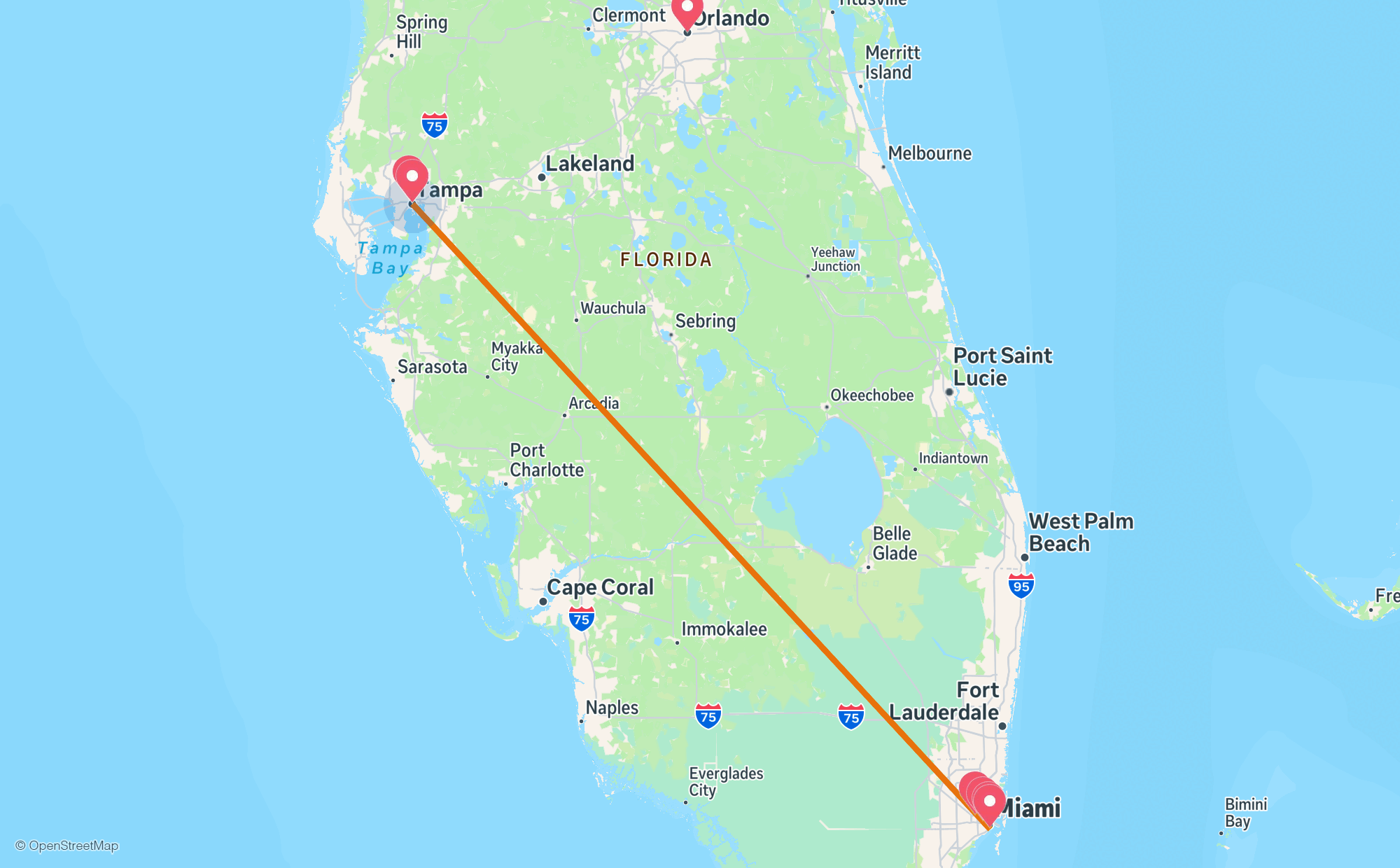
Fleet map

Live fleet

Open jobs

Payment activation rule: a job is not active until the client's payment is confirmed. Awaiting-payment jobs are held separately — they cannot be assigned and do not enter the cascade. When payment is confirmed, the job becomes active automatically.

Job detail

Driver payouts / Pagos a choferes

Driver-requested withdrawals · Minimum $5 · Paid from Square Checking
Driver-initiated method: the driver sees the accumulated balance in SolGo Driver and requests a withdrawal when they want it. The $5 minimum is enforced at creation: a request under $5 is rejected and never saved — it never enters this queue in any state. Any sub-$5 data arriving here is discarded, not shown. Payouts are made from the Square Checking account. There is no automatic pay schedule in SolGo.

Food courier pay — SolGo Food

Food only · Set in Despacho only

Courier pay per food delivery = 45% of the pot + 100% of the tip; the company keeps 55%. The pot = restaurant commission (per its assigned plan: Lite 20% / Plus 25% / Premium 30% of the food subtotal) + service fee (15% of subtotal) + delivery fee (per restaurant). The card-processing fee and the tax are NOT part of the pot. Pay accrues only when the order is DELIVERED and the client's payment is CONFIRMED. Accrued food pay feeds the same driver balance and withdrawal flow below — driver-initiated, full balance only, $5 minimum, zeroing rule and double-pay lock unchanged.

45% % to the courier 55% to the company
Default 45% courier / 55% company. Changing it here updates every calculation on this page. The tip is always 100% to the courier and is never split.

Check an order

Worked examples

Both examples use a $30.00 subtotal and a $2.99 delivery fee. Example 1 adds a $4.00 tip, paid in full to the courier on top of the split.

Withdrawal queue

Requests created by drivers in SolGo Driver. Amounts are calculated by the system — nobody types them in here. Tick the requests included in this run, then confirm once.

One confirmation marks every ticked request as Paid with today's date and deducts it from that driver's pending balance — to $0.00 when the withdrawal covered everything. Paid requests are locked and cannot enter another run.

Per-driver accounting — read only

Earned is the driver's pay from completed trips, exactly as the app calculates it. Pending = Earned − Paid. Only totals are shown — no percentages or splits.

Partner restaurants / Restaurantes asociados

Approval rule: only APPROVED restaurants appear with their menu in the customer app. Pending and rejected restaurants are not visible to customers. The commission plan is assigned only here, by the company — Lite 20%, Plus 25% or Premium 30% — and a restaurant stays unassigned until the owner picks a plan. That same plan is what the restaurant agreement shows and what is deducted in its accounting.

Square payments — live / Pagos Square — en vivo

Live backend (solgo-api) · Real payment and withdrawal state
Live Square connection: payments received in Square appear here. A payment carrying an order reference (SOL-R- / SOL-F-) is linked automatically and activates that order; a payment without a reference stays unidentified until the operator links it below. Withdrawal runs are confirmed in Square Payroll by the company — this console records that confirmation.

Despacho bridge secret

Enter the operator bridge secret once on this device. It is stored only in this browser (localStorage) and is sent with every call in this section — it is never shown anywhere else.

First connection sets the secret on the backend (one-time setup). Re-entering the same secret reconnects this device.

Square payments feed

Withdrawals — live

Pending withdrawal requests

Driver balances

Confirmed withdrawal runs

Square Payroll has no API: first confirm the pay run for all pending withdrawals inside Square Payroll, then record that confirmation here. One confirmation covers every pending withdrawal request.